Completing My Dotfiles System with AI
For a long time, I wanted a proper solution for managing dotfiles. I explored several popular repositories and even started building my own setup more than once, but I never got very far. Work distractions usually pulled me away before it became something I actually used.
With recent improvements in AI Agents, I decided to try a different approach. I used Copilot CLI to help build a system tailored specifically to my needs. The initial scope was small: manage a handful of configuration files and keep my skills folders in sync across Codespaces, my local machine, and a GitHub backup.
The process turned out to be surprisingly smooth. By clearly describing what I wanted and breaking more complex migrations into explicit plans, I was able to get most of the way to a working solution quickly. My first version was based on an existing repository written in Bash, with separate entry points for Codespaces, macOS, and Linux.
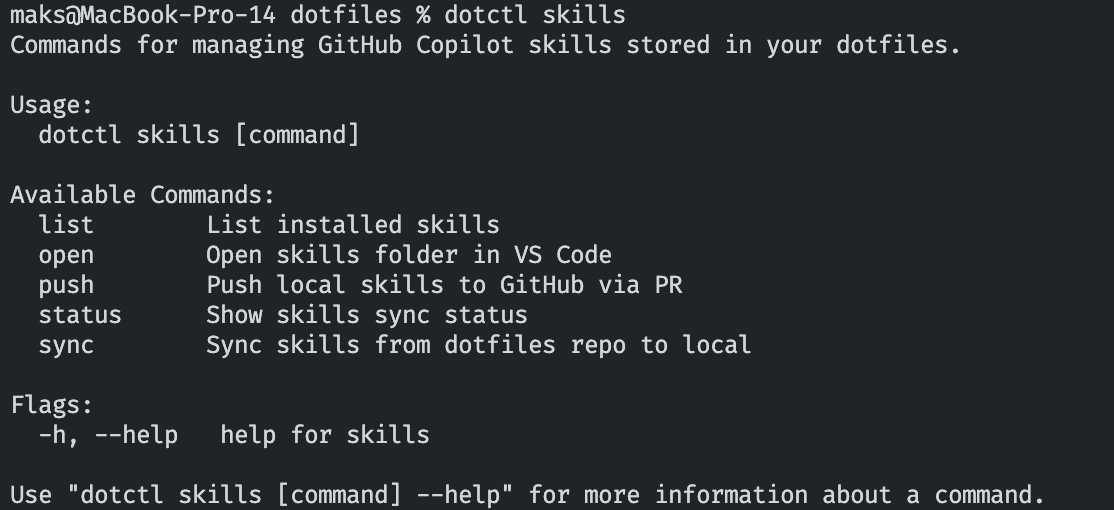
I used that structure as a starting point, then asked Copilot to rewrite the entire setup in Go. From there, I extended it with a small CLI tailored to my workflow. The CLI handles managing skills and other parts of my environment that need to stay consistently synced and pushed across machines.
If you’re looking for a practical project to try building with AI, dotfiles are a great place to start. They’re genuinely useful once set up correctly, but often take too long to adopt from existing solutions or to build manually. AI significantly reduces that friction.